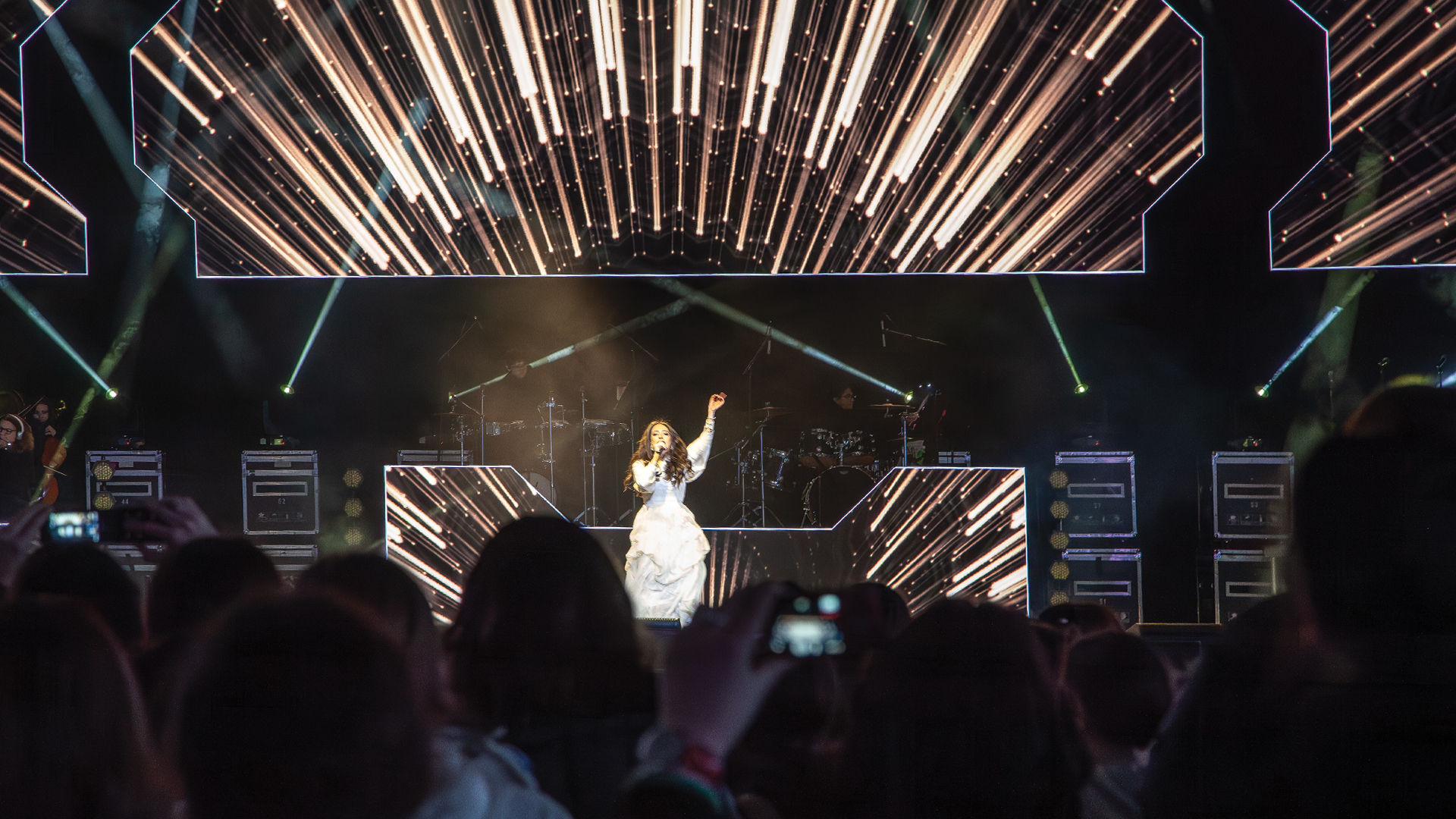
The director calls for a cut from camera one to camera three, and suddenly the keynote presenter transforms from healthy professional to jaundiced alien. The audience barely notices consciously, but their brains register something wrong—the visual discontinuity triggers distrust that undermines the presentation’s credibility. White balance mismatch between cameras ranks among the most common technical failures in multi-camera production, yet it remains preventable with systematic calibration approaches that professional crews execute before every shoot.
Color science in video production traces back to the early days of color television in the 1950s when NBC and CBS engineers discovered that different camera tubes rendered colors inconsistently. The legendary RCA TK-40 cameras required teams of engineers to match colors between units—a process consuming hours that modern digital tools accomplish in minutes. Yet despite technological advances, the fundamental challenge persists: cameras from different manufacturers, or even different units from the same manufacturer, interpret color differently without deliberate matching.
Understanding Color Temperature and Its Challenges
Color temperature measures the hue of light sources on the Kelvin scale—lower temperatures (2700K-3200K) appear warm and orange; higher temperatures (5500K-6500K) appear cool and blue. Venue lighting rarely maintains consistent color temperature: tungsten fixtures glow warm, LED panels vary wildly by manufacturer, and daylight flooding through windows shifts throughout the day. Cameras must be told what ‘white’ means under these conditions, or white shirts render as cream under warm lights and ice-blue under daylight.
Mixed lighting environments compound the challenge exponentially. A presenter standing near windows might be illuminated by 5600K daylight on one side and 3200K stage lighting on the opposite—no single white balance setting renders both sides correctly. Professional productions either control lighting to eliminate mixed sources or accept the compromise inherent in choosing a dominant balance point.
The Gray Card Method: Industry Standard Calibration
Broadcast professionals have relied on gray cards for decades because the technique works universally across camera systems. An 18% gray card—neutral across the color spectrum by design—provides cameras with an unambiguous reference point for calibration. Position the card where subjects will stand, under actual production lighting, and use each camera’s white balance function to sample that gray. The camera adjusts its color processing to render the gray as neutral, automatically correcting any color cast in the lighting.
The X-Rite ColorChecker Passport has become the professional standard, featuring not just a gray panel but a full color reference chart enabling comprehensive calibration. More economical productions use simple Kodak Gray Cards that have remained virtually unchanged since film photography days—the technique doesn’t require expensive tools, just consistent methodology.
Camera-by-Camera Matching Workflow
Effective multi-camera white balance requires systematic approach rather than ad-hoc adjustment. Begin by establishing a reference camera—typically the primary wide shot or camera one—and balance it carefully using gray card calibration under production lighting. This camera becomes the standard against which all others match.
Switch to a multiview display showing all cameras simultaneously—the Blackmagic Design MultiView 16 provides industry-standard monitoring for this purpose. Each additional camera operator performs gray card white balance, but the true matching happens through visual comparison. Minor differences between cameras reveal themselves dramatically when viewed adjacent to the reference camera. Operators then fine-tune using camera control units until cuts between cameras show no perceptible color shift.
Color Matrix and Paint Adjustments
White balance addresses overall color temperature but doesn’t resolve the subtler differences in how cameras render specific colors. Two cameras perfectly white-balanced might still render a red dress slightly differently due to variations in sensor characteristics. Professional broadcast cameras include color matrix controls that adjust how specific color ranges translate from sensor to output—sophisticated tweaking that most corporate productions never touch but broadcast engineers consider essential.
The Sony ILME-FR7 cinema camera and similar professional units provide extensive paint menus allowing colorists to adjust red, green, and blue gain independently, fine-tune knee points affecting highlight rendering, and apply hue adjustments to individual color ranges. Camera control units like the Sony RCP-1500 enable these adjustments remotely during rehearsals, with operators watching matched shots while adjusting parameters until cuts become invisible.
Dealing with Dissimilar Camera Systems
Real-world productions frequently mix camera systems: broadcast cameras for primary coverage, PTZ units for audience shots, handheld mirrorless for roaming footage. Each system interprets color differently, and no amount of white balancing creates perfect matches between fundamentally different sensors. The strategic response involves understanding these limitations and planning coverage accordingly.
Avoid cutting directly between dissimilar systems when possible—route cuts through graphics, video playback, or transition effects that obscure the color shift. When direct cuts are unavoidable, prioritize matching skin tones over other elements. Audiences tolerate background color variations but immediately notice when faces change hue between shots. Balance secondary cameras to match skin tone rendering of primary cameras even if other colors suffer slightly.
PTZ Camera Integration Challenges
PTZ (pan-tilt-zoom) cameras like the PTZOptics Move 4K and Panasonic AW-UE150 have become essential for modern event production, but their auto-white-balance tendencies create matching nightmares. These cameras often attempt continuous automatic adjustment, chasing lighting variations throughout events and drifting away from calibrated settings established during rehearsal.
Disable auto white balance on PTZ cameras and lock in manual settings matching primary cameras. Access web control interfaces—most modern PTZ units provide browser-based configuration—and configure fixed color temperature settings. The Panasonic AW-RP150 controller enables centralized PTZ management including color control, allowing operators to adjust white balance across multiple PTZ units from a single interface during events.
Software-Based Color Matching in Post
Live events demand real-time matching, but recorded content allows post-production correction that salvages footage from imperfect field conditions. DaVinci Resolve from Blackmagic Design provides professional-grade color correction at no cost for its base version—a remarkable tool that every AV professional should understand even if they primarily work live production.
Resolve’s color match feature analyzes shots containing identical subjects and automatically generates corrections bringing cameras into alignment. Place color reference charts briefly in frame during recording, and post-production matching becomes dramatically simpler. The software identifies known color references and calculates precise corrections impossible to achieve through eyeball adjustments alone.
Real-Time Color Correction for Live Events
Live production increasingly employs real-time color correction using dedicated processing hardware. The AJA ColorBox provides broadcast-quality color correction on each video input, enabling corrections that compensate for camera differences during live switching. These corrections happen before signals reach the switcher, meaning matched color arrives at program output regardless of which camera is selected.
For larger productions, the Ross Video Carbonite and Blackmagic Design ATEM Constellation switchers include built-in color correction on each input. Configure corrections during rehearsals by switching rapidly between cameras while colorists adjust input processing until transitions become invisible. Save these configurations to switcher memory, and color matching survives power cycles and venue moves—critical for touring productions that rebuild identically in new spaces.
Monitoring: The Essential Investment
Color matching is only as accurate as the monitors displaying the work. Attempting to match cameras while viewing results on uncalibrated consumer displays guarantees inconsistent results—the monitor itself introduces color errors that correction efforts then compensate for incorrectly. Professional productions invest in broadcast reference monitors calibrated to industry standards.
The Sony BVM-HX310 represents the broadcast industry standard, but its price places it beyond most corporate budgets. More accessible alternatives like the Flanders Scientific AM250 and Eizo ColorEdge CG319X provide calibrated accuracy at lower price points. At minimum, use the same monitor model throughout the camera matching workflow—consistency matters more than absolute accuracy when the goal is matching cameras to each other rather than to theoretical perfect color.
Waveform and Vectorscope Analysis
Human eyes adapt to color casts within seconds, making them unreliable instruments for technical color work. Waveform monitors and vectorscopes provide objective measurement of video signals, revealing color differences invisible to adapted vision. When matching cameras, compare waveforms side-by-side—identical subjects should produce identical traces.
The vectorscope proves particularly valuable for skin tone matching. Properly calibrated skin tones cluster along a consistent vector regardless of subject ethnicity—the famous skin tone line running from vectorscope center through the orange/yellow region. When cameras render skin tones on different vectors, color mismatch becomes obvious in cuts. Adjust until all cameras place skin tones along the same vector, and cuts become far less jarring even if other elements don’t perfectly match.
White balance matching transforms multi-camera production from visible technical struggle to invisible craft. Audiences should never think about color—they should think about content, speakers, and messages. The production team that achieves consistent color across all cameras removes one more barrier between audience and experience, creating seamless visual flow that supports rather than distracts from whatever story the event intends to tell.
