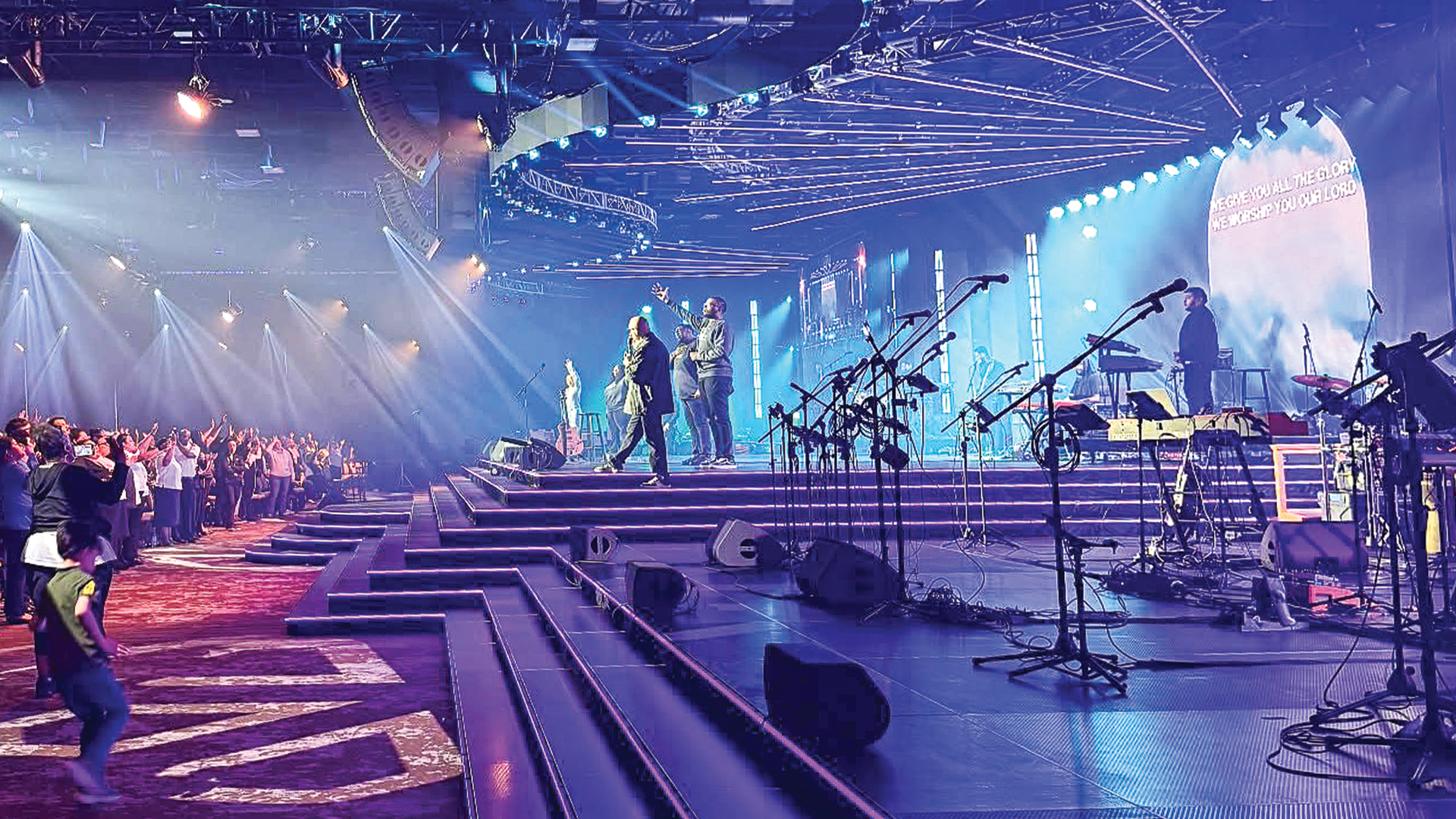
The final dress rehearsal is not the time to discover that cue 47 is missing a fixture, that the video playback in act two fires three beats late, or that the crossfade time in the closing sequence was programmed in seconds when the director specified beats. These discoveries should have been made — and corrected — in the systematic cue testing session that every professional production schedules between the end of programming and the beginning of dress rehearsal. The gap between mediocre productions and excellent ones often lives entirely in this testing discipline.
The Rehearsal Hierarchy in Professional Production
In theatrical production, the sequence from programming to performance follows a formalized hierarchy: paper tech, dry tech, wet tech, cue-to-cue, dress rehearsal, preview, opening. Each step exists because the previous step could not validate all the elements that follow. Cue-to-cue — where the production runs at full technical speed, stopping at each cue point to verify execution before advancing — emerged from this tradition as the primary cue validation tool.
Concert and corporate production adapted cue-to-cue into what is often called a technical run or full system check — a structured pass through the show in sequence, verifying every programmed event against the design intent. The terminology differs but the principle is identical: every cue must be witnessed and validated by a responsible technician before it is trusted to run live.
Building a Cue Test Protocol
A systematic cue test begins with a cue list printout — a physical or digital document listing every cue in the show in sequence. On ETC Eos systems, this is generated as a cue list report from the Output menu. On grandMA3, a cue list can be exported as a formatted document directly from the sequence list view. The document should show: cue number, cue name, timing, notes, and a checkbox for verified/corrected status.
For each cue in sequence, the testing technician should verify: that the correct fixtures are responding, that palette references are resolving correctly (a palette referencing a fixture that has been re-addressed will break silently and only fail at test), that timing matches the design intent, that fade curves feel right, and that the cue triggers correctly from its preceding cue. Mark each cue verified in the log. Any failed cue gets flagged with a note describing the failure mode and handed to the programmer for correction.
The Console Backup Verification
Cue testing is also the right moment to verify console backup integrity. Both primary and backup consoles should be running the same show file version, and the switchover procedure should be tested in full. A backup console that has never been switched to under load is not really a backup — it’s equipment sitting in a rack hoping it will work. The discipline of actually switching to backup during the test session, running several cues, and switching back confirms the entire redundancy architecture is functional.
Platforms like grandMA3 support session networking where multiple consoles run synchronized show files in real time — a configuration change on the master propagates to the backup immediately. Testing this synchronization during the cue test session provides confidence that the backup file is genuinely current, not a snapshot from the last manual save.
Audio Cue Testing
Audio cue testing in a theatrical or corporate production context involves verifying every playback cue in the show: sting music, sound effects, video audio returns, and presenter microphone levels. QLab from Figure 53 is the near-universal platform for theatrical audio playback, and its audition mode allows individual cues to be played back and verified without advancing the cue list — critical for testing without disturbing other departments.
For broadcast-integrated productions, audio cue testing must also include verification of IFB (interrupted foldback) feeds, program return to camera operators, comms ring continuity, and recording ISO channels. Each of these signal paths is structurally independent and can fail independently — a comprehensive audio cue test systematically exercises all of them before the stress of a live event.
Video Cue Testing in Multiscreen Environments
Modern corporate and concert productions routinely use three to five or more discrete video destinations — main screen, aux screen, IMAG, broadcast feed, confidence monitors, green room feed. Every piece of content in the show file should be verified on every screen it’s intended to appear on. This sounds obvious, but it is routine to discover during testing that a content piece routed correctly to the main screen is absent from the aux screen because of a crosspoint error in the routing matrix.
Using Disguise servers, Notch integrations, or WATCHOUT multi-screen systems, the video tech can systematically step through each cue and verify output on every destination simultaneously, assisted by a second person walking the room to check physical screens while the operator verifies the technical feed. Document failures with screenshot evidence for the programmer — verbal descriptions of video failures are almost always insufficient for accurate debugging.
The Pre-Dress Runthrough Mindset
The most valuable cultural shift a production team can make is treating the cue test session as mandatory show infrastructure, not an optional extra. Productions that routinely skip structured cue testing in favor of “we’ll catch problems in dress rehearsal” routinely have longer, more painful dress rehearsals — because the problems encountered in dress are the problems that could have been caught in a calm, methodical test environment. Every problem found in testing costs one fix. The same problem found in dress rehearsal costs the fix plus the delay plus the pressure plus the director relationship damage. The math strongly favors testing.
