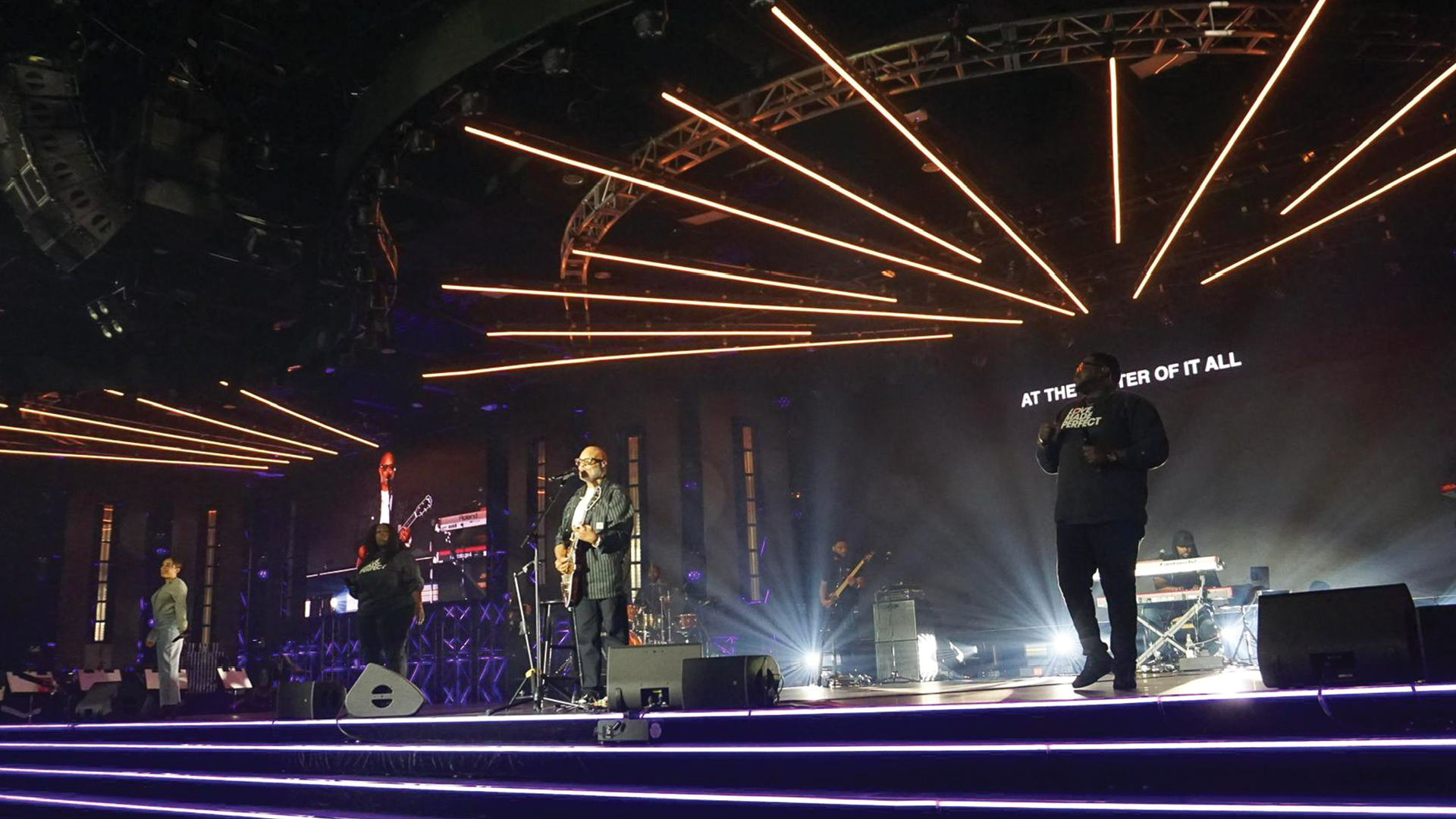
The modern lighting programmer arrives at venues with show files already containing hundreds of carefully crafted cues, ready for refinement rather than creation from scratch. This pre-production work—conducted in hotel rooms, home studios, and rehearsal spaces—transforms expensive venue time from programming marathons into efficient polishing sessions. The tools and techniques enabling this revolution have fundamentally changed how productions approach lighting design.
The Evolution of Pre-Visualization Technology
Before previz software existed, lighting designers sketched concepts on paper while programmers waited for actual fixtures to hang before touching consoles. The 1990s introduction of WYSIWYG (What You See Is What You Get) from CAST Software revolutionized this workflow, allowing virtual fixture control for the first time. Today’s tools offer photorealistic rendering that accurately predicts real-world results.
Vectorworks with its Vision rendering engine has become the drafting standard for lighting design, creating 3D models that export directly to visualization software. The integration between drafting and previz eliminates redundant model building, ensuring the virtual rig matches the planned physical installation exactly.
Console-Integrated Visualization Systems
Major console manufacturers now offer integrated visualization solutions working natively with their platforms. MA Lighting’s MA3D connects directly to GrandMA2 and GrandMA3 consoles, rendering fixture behavior in real time as programmers build cues. The visualization responds to every parameter change, showing beam angles, colors, gobos, and effects exactly as they will appear on stage.
ETC’s Augment3d environment built into Eos-family consoles adds augmented reality capabilities, displaying virtual fixtures overlaid on camera views of actual spaces. This technology allows programmers to see how their work will interact with real scenic elements before any fixtures leave the rental shop.
Depence² from Syncronorm offers console-agnostic visualization accepting Art-Net input from any platform. Productions using multiple console types or those wanting manufacturer-independent solutions find Depence’s flexibility valuable. Its rendering quality rivals dedicated film pre-production tools while maintaining real-time performance.
Building the Virtual Rig
Pre-visualization begins with accurate 3D model construction. Programmers import venue drawings or touring set designs, positioning virtual fixtures at planned coordinates. Fixture libraries containing thousands of profiles ensure virtual instruments behave like their real counterparts—the same beam spread, the same color mixing characteristics, the same gobo selections.
Careful attention to fixture addressing during model creation pays dividends during load-in. When virtual fixtures use the same DMX addresses planned for physical installation, the show file transfers directly to venue consoles without modification. Touring productions standardize addressing schemes, ensuring identical show files work at every stop.
Scale accuracy matters profoundly. A gobo projected from virtual fixtures positioned incorrectly produces patterns different from reality. Beam spread calculations depend on precise throw distances. Programmers verify model accuracy by checking critical dimensions against venue drawings or physical surveys conducted during site visits.
Creating Palettes and Building Blocks
Experienced programmers invest significant pre-production time building palette libraries—reusable building blocks containing position focuses, color values, gobo settings, and beam parameters. Rather than programming each cue from scratch, they recall combinations of palettes, dramatically accelerating show construction.
Position palettes store fixture focus points for stage locations—downstage center, upstage left, specific set piece focuses, or audience illumination positions. When the designer requests backlight on the lead singer, the programmer recalls a stored position rather than manually adjusting pan and tilt values for dozens of fixtures.
Color palettes ensure consistent color reproduction across different fixture types. The same “warm amber” palette applied to LED wash fixtures and conventional fresnels with gel produces matched color temperatures despite different color mixing technologies. This consistency requires careful calibration during palette creation.
Effect palettes store animated behaviors—rainbows, chases, waves, and other dynamic looks. Programmers build effect libraries containing dozens of variations that designers can preview and modify. Using the GrandMA3’s Phaser engine or ETC Eos effects system, complex animations become single-click recalls.
Working With the Lighting Designer Remotely
Modern collaboration tools enable remote programming sessions connecting designers and programmers across continents. Screen sharing through Zoom or Teams allows designers to watch visualization in real time while providing feedback. Some productions establish standing video calls running throughout pre-production, creating virtual presence despite physical separation.
Version control becomes critical when multiple team members access show files. Cloud storage platforms maintain file history, allowing recovery if changes create problems. Programmers develop naming conventions identifying file versions by date and session, preventing confusion about which file represents current work.
Recording sessions prove invaluable for later reference. When designers approve specific looks during remote sessions, screen recordings document exactly what was approved. These recordings resolve disputes about creative intent when memory differs from actual file contents.
Timecode Programming for Music-Driven Shows
Concert tours and theatrical productions with fixed soundtracks enable timecode-driven programming during pre-production. Programmers receive audio tracks and build cues triggered by SMPTE timecode or internal console timing. This approach creates shows running without manual operation, synchronized perfectly to music.
The GrandMA3 and Hog 4 consoles both offer sophisticated timecode recording and editing. Programmers build complete songs, watching visualization respond to their timing decisions. Audio waveform displays help identify musical hits for cue placement, even without hearing playback through speakers.
Pre-programmed timecode shows arrive at venues nearly complete. On-site programming focuses on adjusting positions for actual stage dimensions and tweaking intensities for ambient light conditions. The creative decisions were already made; venue time refines execution rather than building content.
Testing Without Real Fixtures
Virtual environments enable offline testing revealing problems before real fixtures exist. Programmers verify that cue sequences flow properly, that effects create intended looks, and that transition timing matches musical or dramatic moments. Discovering issues in virtual space costs nothing; finding them during tech rehearsals wastes expensive venue time.
Visualization reveals practical problems invisible in spreadsheets. A fixture aimed at a specific location might be blocked by scenic elements. Two fixtures focusing the same position might create unwanted shadows. Color mixing across fixture types might produce unexpected results. Pre-viz catches these issues before physical installation begins.
Transfer Protocols for Load-In
Successful show file transfers require careful documentation. Programmers prepare files with clear labeling, removing temporary cues used during development. They create checklists noting any manual adjustments needed for specific venues and document assumptions made during pre-production that require verification on-site.
The first task upon console connection involves fixture verification—confirming each fixture responds correctly and that addressing matches pre-production planning. Problems discovered immediately can be resolved before programming time begins; finding mismatches mid-session disrupts workflow and wastes valuable hours.
Position palette updates represent the most common on-site adjustment. Virtual models approximate focus positions, but actual fixtures require refinement once hung in real space. Experienced programmers structure palettes anticipating these updates, allowing quick adjustment without rebuilding dependent cues.
The Competitive Advantage of Pre-Production
Productions investing in comprehensive pre-visualization consistently achieve superior results within limited venue access. While competitors struggle to build basic cues during their load-in windows, well-prepared teams refine and polish already-complete shows. This efficiency advantage compounds across multi-venue tours, where each stop benefits from previous refinements.
The financial implications extend beyond obvious time savings. Reduced programming hours mean lower labor costs and fewer venue overtime penalties. Designers and directors see more complete work during tech rehearsals, improving creative outcomes. Productions appear more professional, enhancing reputations that generate future opportunities.
The lighting programmer who masters pre-production techniques becomes invaluable to production teams prioritizing efficiency. As venue costs increase and timelines compress, the ability to arrive with completed show files rather than blank consoles separates working professionals from those struggling to find consistent employment in competitive markets.
